
Exporting your data
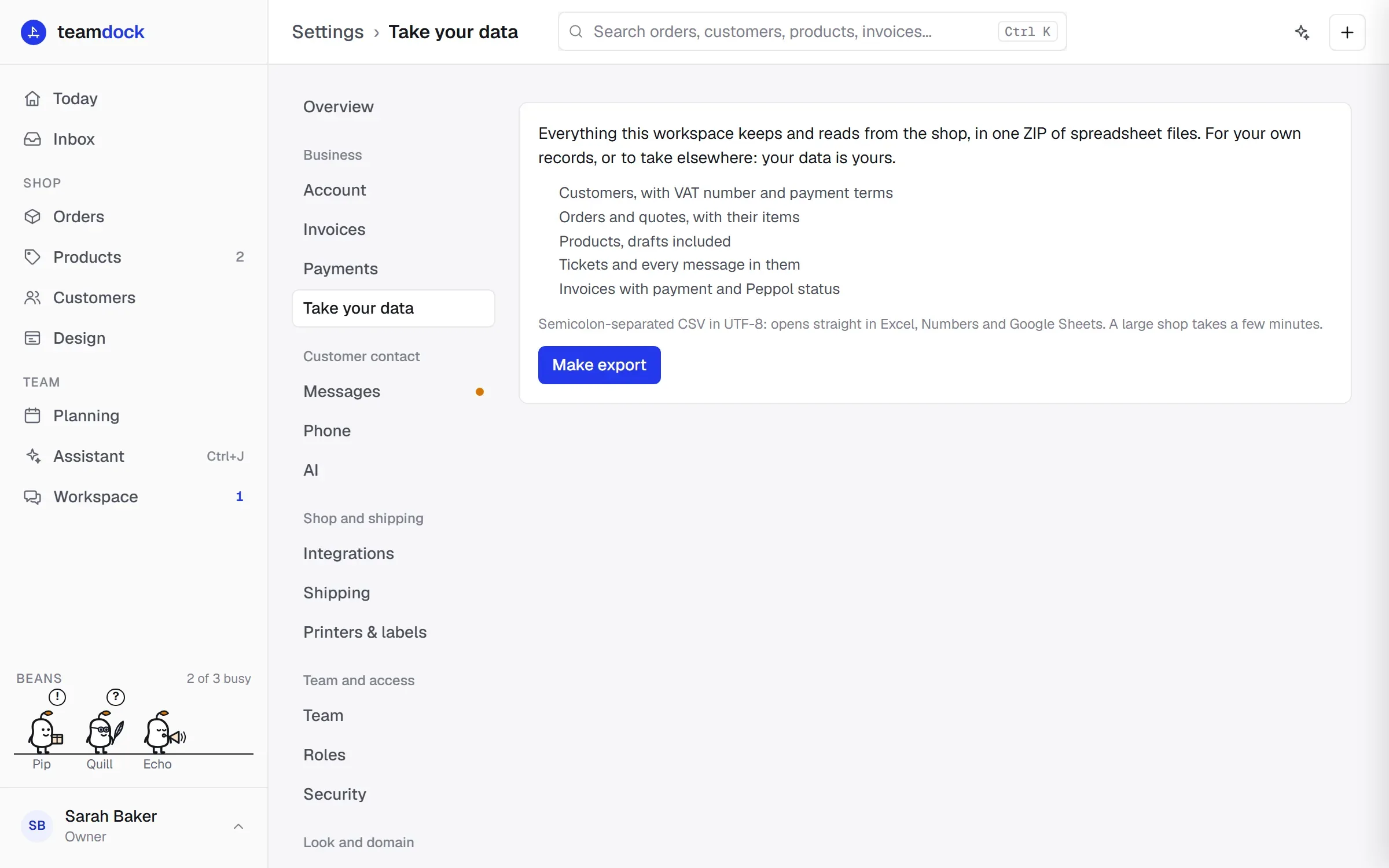
Your data is yours. Under Settings → Take your data you download everything your workspace keeps and reads from your shop, in one ZIP file of spreadsheets. Handy for your own records, for your accountant, or if you want to take your data elsewhere.
What is in the export
Section titled “What is in the export”- Customers, with VAT number and payment terms
- Orders and quotes, with their items
- Products, drafts included
- Tickets and every message in them
- Invoices, with payment and Peppol status
The files are CSV, separated by semicolons, in UTF-8. They open straight in Excel, Numbers and Google Sheets.
Making an export
Section titled “Making an export”- Go to Settings → Take your data.
- Click Make export.
- Teamdock collects the data in the background. For each part you see how far it is and how many rows there are: Customers, Orders, Products, Tickets, Invoices and then Making the ZIP.
- When it is done, the download starts by itself. You then see Done with the size of the file.
For a large shop this takes a few minutes. Keep the page open until the download starts. If the download did not work, click Download again.
Who can export
Section titled “Who can export”Only administrators and shop managers can export everything. Other team members see the explanation, but no button. See Members and roles.
If it goes wrong
Section titled “If it goes wrong”If the export fails, you see at which part it stopped, with the reason. Often your shop was briefly unreachable. Try again later with Make export.