
Peppol e-invoices
Peppol is a European network over which businesses send invoices straight into each other’s accounting software. No PDF lands in a mailbox for someone to retype: the invoice arrives as structured data and your customer’s bookkeeping can process it right away. In Belgium, e-invoicing between businesses has been mandatory since 1 January 2026. In the Netherlands more and more business customers and government bodies ask for it.
Teamdock sends your invoices over Peppol when the customer can be reached there. Private consumers are not on Peppol; they simply receive the invoice by email.
What you need
Section titled “What you need”Under Settings → Account → Legal entity, fill in:
- Your business address: street, house number, postcode and city.
- A legal company identifier:
- Dutch shop: your KvK number (8 digits). It is required for Dutch e-invoices; a VAT number alone is not enough.
- Belgian shop: your Belgian VAT number. Teamdock takes your enterprise number from it.
- Your IBAN and the account holder. These go on the e-invoice as the payment instruction.
- Your VAT number.
Teamdock only switches e-invoicing on in the invoicing program once the company identifier, the IBAN and the address are all there. That way you never send an e-invoice that is rejected on arrival because something is missing.
Turning Peppol on
Section titled “Turning Peppol on”- Check your details under Settings → Account → Legal entity.
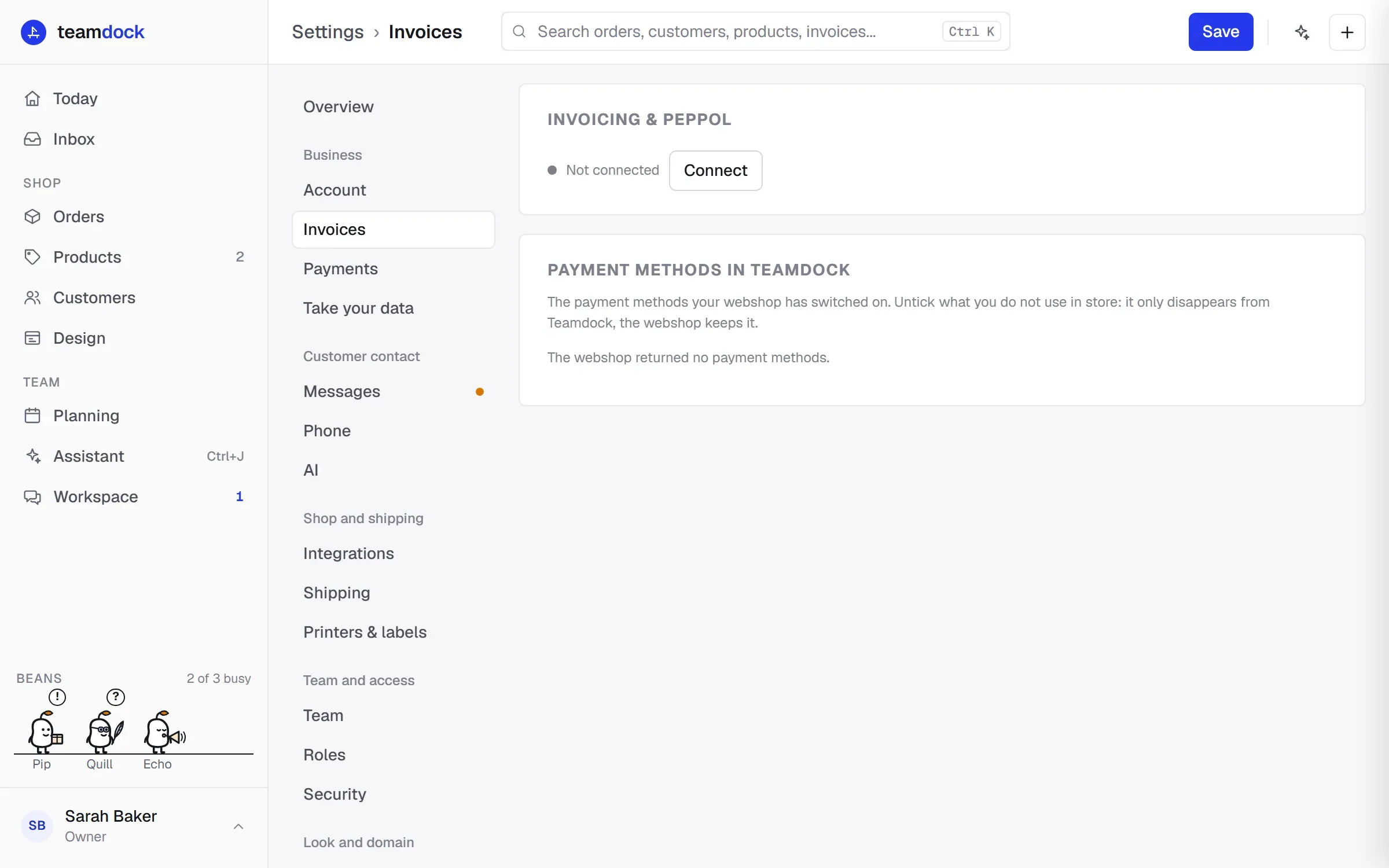
- Go to Settings → Invoices. If invoicing is not connected yet, click Connect.
- Tick Enable Peppol e-invoicing.
- Click Sync company details to Invoice Ninja. A KvK number must have exactly 8 digits, or this fails.
- If you want invoices to go out by themselves, also tick Automatically send on completed order (B2B only).
- Click Save.
At the top of the Invoices page your company name shows Peppol ✓ when it is on, along with the number of credits you have left.
Which customers get an e-invoice
Section titled “Which customers get an e-invoice”An e-invoice can only go to a customer who is registered on Peppol themselves. Teamdock recognises a business customer by the company name, VAT number or KvK number on the order. Make sure business orders have these filled in.
- With a shop that Teamdock hosts for you, or one that uses the Teamdock checkout plugin, the customer enters their VAT number and KvK number at checkout. See Checkout plugin.
- When you create the order yourself, enter the EU VAT number for the customer. See Creating an order or quote.
Every customer also receives the invoice by email. So a customer who is not on Peppol just gets the email; you do not need to do anything for that.
Sending
Section titled “Sending”You send an e-invoice like any invoice: in the order with Peppol-factuur verzenden (send Peppol invoice), on the Invoices page with Send invoice, or automatically on Completed. See Invoices.
A credit note for a refund also goes over Peppol when the customer can be reached there. See Refunds and exchanges.
Did the e-invoice arrive?
Section titled “Did the e-invoice arrive?”“Sent” means the invoice has left. Whether the Peppol network also delivered it to the customer is a separate answer. That can take up to a day, because the network keeps retrying for hours. That is why the Invoices page shows, under the status of an e-invoice:
- Peppol: on its way: not delivered yet. Check now asks for the current state right away.
- Peppol: delivered: the invoice is with the customer.
- Peppol: failed: delivery did not work. The reason is shown underneath. Offer again sends it once more.
Teamdock checks every half hour on e-invoices that are still on their way. If one fails, you also see it on Today (the dashboard), with the invoice number.
Frequently asked questions
Section titled “Frequently asked questions”Do I need to change anything in my shop for Peppol? No. You only need to make sure business customers can enter their VAT number (and, in the Netherlands, preferably their KvK number).
Can I use Peppol without an IBAN? No. Without an IBAN, a KvK number (or Belgian VAT number) and an address, Teamdock does not switch e-invoicing on.
Does a private consumer get an e-invoice too? No. Consumers are not on Peppol and receive the invoice by email, with the PDF.